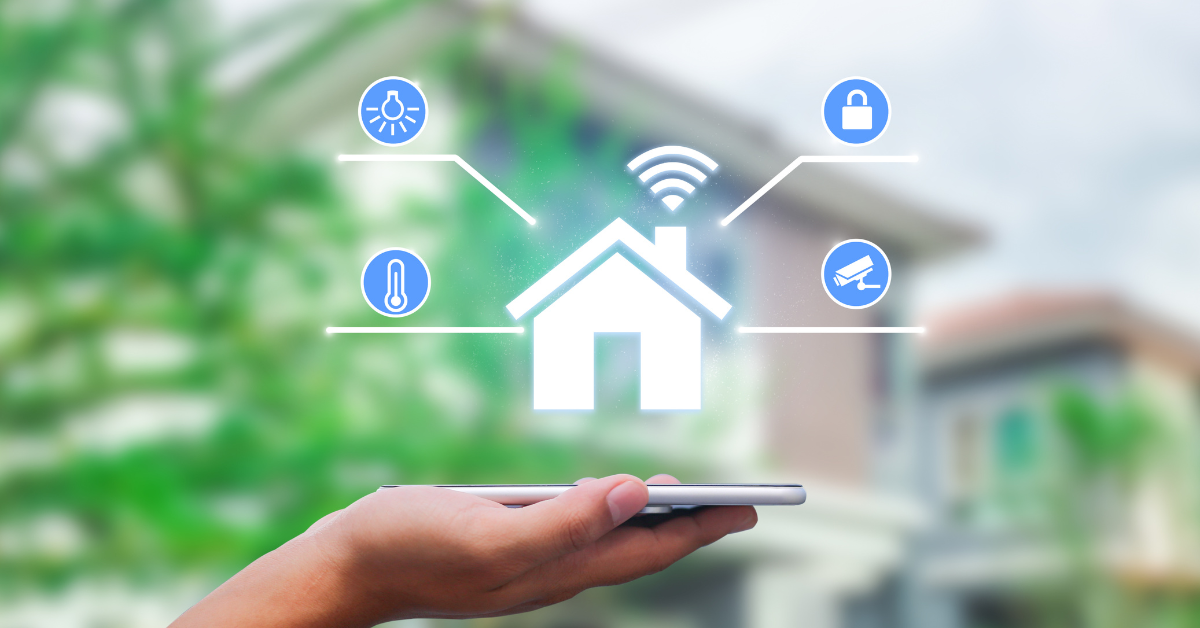

Welcome to the ultimate guide on how to set up a smart home! Whether you’re a tech enthusiast or a beginner looking to explore the world of home automation, this comprehensive guide will help you create a smart home that makes your life easier, more efficient, and secure. We’ll walk you through the essential smart home devices, how to integrate and configure them, and how to optimize your home for energy efficiency and security.
What Are the Essential Smart Home Devices You Need?
How to Choose the Best Smart Home Devices for Beginners?
Starting your smart home journey can be overwhelming with the plethora of products available. For beginners, it’s best to start small and gradually expand your smart home setup. Basic devices like smart speakers, such as Google Home or Amazon Alexa, are great starting points. They act as the hub for your smart home, allowing you to control various devices like smart blinds with simple voice commands. A smart plug is another excellent choice, enabling you to turn any standard appliance into a smart device. Don’t forget to consider a smart bulb, which offers the convenience of adjusting lighting with your voice or smartphone.
What Are the Must-Have Devices for Home Automation?
To build a smart home that truly works for you, consider integrating must-have devices that enhance comfort and convenience. Smart thermostats like the Nest or Ecobee help you manage your home’s temperature efficiently, saving on energy costs. Smart lighting systems, including smart bulbs and smart switches, allow you to control your lighting ambiance effortlessly. For a more immersive experience, smart displays such as the Google Nest Hub combine the functionalities of a smart speaker with a touchscreen, making it easier to control your smart home devices and access information.
How to Integrate Smart Speakers, Smart Plugs, and Smart Bulbs?
Integrating smart speakers, smart plugs, and smart bulbs into your smart home system is straightforward. Begin by setting up your primary smart speaker or home assistant, whether it’s a Google Home or Amazon Alexa, through its dedicated home app. Once configured, you can add compatible smart devices like smart plugs and smart bulbs via the app. Most smart home products come with instructions for easy integration. After setup, you can control these devices using voice commands or through the home app, providing seamless home automation and enhancing your daily routines with smart speakers and smart displays.
How to Set Up a Smart Home Automation System?
What are the Basics of Smart Home Automation?
Smart home automation revolves around connecting and controlling various smart devices to work together seamlessly. The basics include having a reliable Wi-Fi network or, even better, a mesh network to ensure strong connectivity throughout your home. A smart hub or central controller, like the Google Home Hub or Amazon Echo Show, is essential for managing your devices. Automating routines, such as adjusting the thermostat, controlling lighting, or playing music, can be easily programmed through the home app, providing convenience and efficiency.
How to Use a Home Platform to Control Your Smart Home?
Using a home platform like Google Home or Amazon Alexa is crucial for smart home control. These platforms act as the brain of your smart home, allowing you to manage all devices from one place. Download the corresponding home app on your smartphone and follow the setup instructions to connect your devices. With these platforms, you can create routines, set schedules, and use voice commands to control your smart home effortlessly. Additionally, platforms like Google Home app offer integration with various third-party smart home products, expanding your automation possibilities.
How to Connect and Configure Your Smart Devices?
Connecting and configuring smart devices is a critical step in your smart home setup. Start by ensuring your Wi-Fi network is stable and capable of handling multiple devices. Most smart devices come with user-friendly apps that guide you through the setup process. For example, to connect a smart plug, plug it into an outlet, and follow the app instructions to add it to your network. Similarly, for smart bulbs, screw them into a socket, and use the app to pair them. Once connected, you can configure settings, create automation routines, and integrate them with your smart hub for centralized control.
How to Ensure Smart Home Security?
What Are the Best Practices for Setting Up a Smart Home Security System?
Ensuring the security of your smart home is paramount. Start by choosing reputable smart home security products, such as smart locks and smart cameras. These devices help monitor and protect your home with smart security features. Always use strong, unique passwords for your accounts and enable two-factor authentication to keep your home secure with an added layer of security. Regularly update your smart devices’ firmware to protect against vulnerabilities. Additionally, consider using a dedicated smart home network separate from your main network to minimize security risks.
How to Use Smart Locks and Smart Cameras for Home Security?
Smart locks and smart cameras are essential components of a robust home security system. Smart locks, like those from August or Schlage, allow you to lock and unlock doors remotely, grant access to guests, and receive notifications of activity. Smart cameras, such as the Ring or Nest Cam, provide real-time video surveillance, motion detection, and alert notifications. Integrate these devices with your smart home hub or home app to monitor and control them seamlessly. Combining these devices enhances your home security, providing peace of mind.
How to Secure Your Wi-Fi Network from Unauthorized Access?
Your Wi-Fi network is the backbone of your smart home system, so securing it is crucial. Start by using a strong, unique password and changing it regularly. Enable WPA3 encryption on your router for enhanced security. Consider setting up a guest network for visitors to keep your primary network secure while you set up your smart home. Regularly update your router’s firmware to protect against security vulnerabilities. Additionally, using a mesh network can help maintain strong, secure connections throughout your home, ensuring all smart devices remain connected and protected.
How to Optimize Your Smart Home for Energy Efficiency?
How to Use Smart Thermostats and Smart Lighting?
Optimizing your smart home for energy efficiency is both eco-friendly and cost-effective. Smart thermostats like the Nest or Ecobee learn your schedule and adjust temperatures automatically to save energy. You can control them remotely via a home app, ensuring your home is only heated or cooled when necessary. Smart lighting systems, including smart bulbs and smart switches, allow you to automate lighting schedules, dim lights, and turn off lights when not in use. These devices play a significant role in reducing energy consumption and lowering utility bills.
What Are the Benefits of Smart Sprinklers?
Smart sprinklers, like those from Rachio or Orbit, offer significant benefits for water conservation and lawn care. They use weather data to adjust watering schedules, ensuring your lawn receives the right amount of water without waste. You can control them remotely via a home app, making it easy to manage your irrigation system from anywhere. Smart sprinklers help save water, reduce utility costs, and maintain a healthy lawn effortlessly.
How to Monitor and Manage Your Energy Consumption?
Monitoring and managing energy consumption is essential for an efficient smart home. Many smart home systems offer energy monitoring features that track usage and provide insights into your consumption patterns. Smart plugs with energy monitoring capabilities allow you to see which devices consume the most power. Use this data to make informed decisions about your energy use, such as setting schedules for high-consumption devices. Implementing these strategies helps optimize energy efficiency, leading to cost savings and a more sustainable home.
How to Troubleshoot Common Smart Home Issues?
What to Do When a Smart Device Is Not Responding?
Encountering non-responsive smart devices can be frustrating, but troubleshooting is usually straightforward with the help of your home assistant. Start by checking the device’s power supply and ensuring it’s connected to your Wi-Fi network. Restart the device and your router to resolve temporary connectivity issues. If the problem persists, consult the device’s user manual or manufacturer’s support for specific troubleshooting steps in your smart home guide. Regularly updating your devices’ firmware can also prevent and resolve many common issues, keeping your smart home running smoothly.
How to Fix Connectivity Issues with Your Wi-Fi Network?
Connectivity issues can disrupt your smart home’s efficiency and affect your smart security systems. To fix these issues, ensure your Wi-Fi network covers all areas where smart devices are located. A mesh network can help extend coverage and maintain strong connections. Check for interference from other electronic devices and minimize obstacles between your router and smart devices. Regularly reboot your router and update its firmware to maintain optimal performance. If connectivity issues persist, consider upgrading your internet plan or consulting your service provider for assistance.
How to Update and Maintain Your Smart Home Devices?
Regular maintenance and updates are crucial for the optimal performance of your smart home devices. Manufacturers frequently release firmware updates to fix bugs, improve functionality, and enhance security. Set your devices to update automatically or check for updates regularly through the home app. Additionally, clean your devices and check for any physical damage periodically. Proper maintenance ensures your smart home remains efficient, secure, and up-to-date with the latest technology advancements in smart security.